Run a vote
Open a voting round on a motion (or amendment), let members cast their vote — in the room, by proxy, or by email reply — then close the round and publish the tally as a decision.
Goal
By the end you will have run a voting round to completion: votes cast, quorum checked, the round closed, the tally computed, and the result published so it becomes a tracked decision.
Prerequisites
- An admissible motion or amendment (see Add a motion to the agenda and Propose an amendment).
- Chair (or whoever the body's workflow names as the vote operator) — only that role can open and close a round.
- A participant list for the meeting so quorum and proxy assignments resolve correctly.
- For email voting: the email voting setting enabled (see Manage Decidesk settings).
Steps
-
From the meeting's live view (or the motion's Votes tab), open a voting round on the motion or amendment. Decidesk records who is present and checks the quorum before the round opens.
-
Members cast their votes — for, against, abstain. A member who is absent can have a proxy cast on their behalf if the body allows proxies; the proxy assignment is recorded against the round.
-
If email voting is enabled, absent members can reply to a ballot email and their reply is matched into the round. The round stays open until the chair closes it.
-
The chair closes the round. Decidesk computes the tally — counts per option, whether the motion carries given the body's majority rule, and whether quorum was met.
-
Publish the result. The tally becomes a decision in Decidesk (and, if an ORI endpoint is configured, can be pushed there); the motion's lifecycle moves to carried or rejected.
Verification
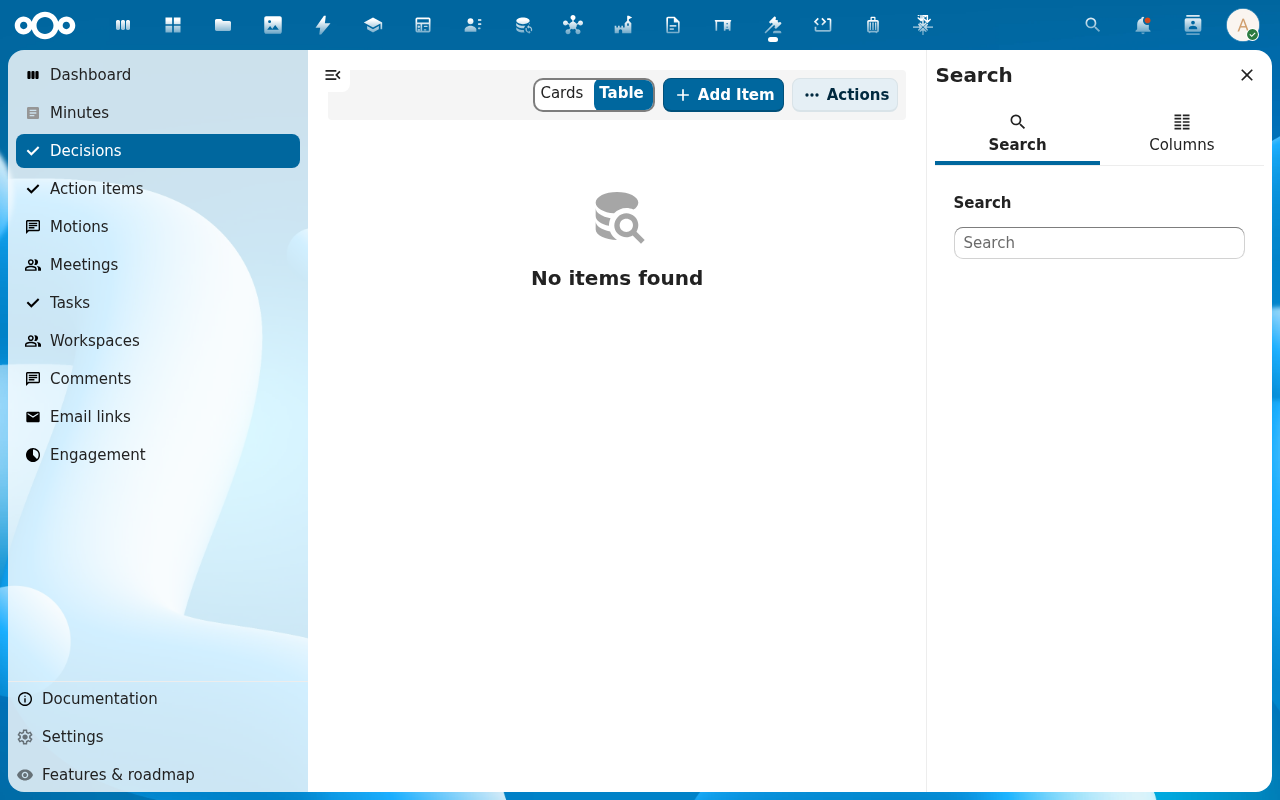
The voting round shows as closed with a tally, the motion's lifecycle reads carried or rejected, and a matching decision appears under Decisions with the outcome. The Audit trail on the motion records who opened, cast, closed, and published.
Common issues
| Symptom | Fix |
|---|---|
| Can't open a round | Only the chair / vote operator can; check your role for this body. |
| Round opens but warns about quorum | Quorum isn't met — the chair decides whether to proceed (some rules allow it, some don't); the warning is recorded either way. |
| Email replies aren't counted | Email voting must be enabled in Settings, and the reply must come from the member's registered address within the round's window. |
| Proxy vote rejected | The body must allow proxies, the proxy must be a present participant, and one member can usually hold only a limited number of proxies. |
Reference
- Track decisions and action items — what happens to the decision this vote produced.
- Take and publish the minutes — the vote result lands in the minutes.
- Manage Decidesk settings — email voting and the ORI endpoint.