Schedule a meeting and build the agenda
Create a meeting record, give it a type and a date, then add agenda items and publish the agenda so participants can see it.
Goal
By the end you will have a meeting in Decidesk with a date, a meeting mode, an ordered list of agenda items, and a published agenda.
Prerequisites
- Decidesk open and the OpenRegister back end connected (see Open Decidesk for the first time).
- The right to create meetings — chair or secretary of the relevant governance body. Read-only members can view a meeting but not schedule one.
- The governance body that owns the meeting already exists (an admin creates these — see Configure a governance workflow).
Steps
-
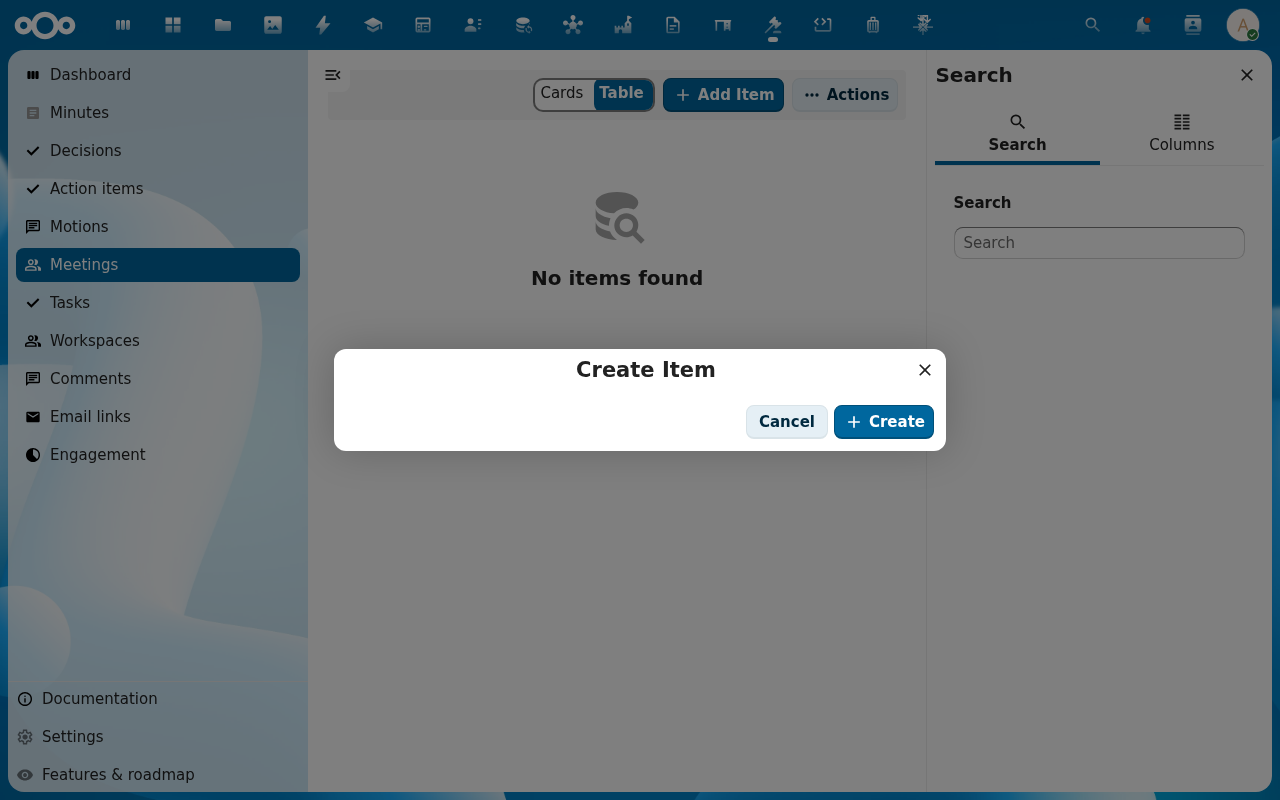
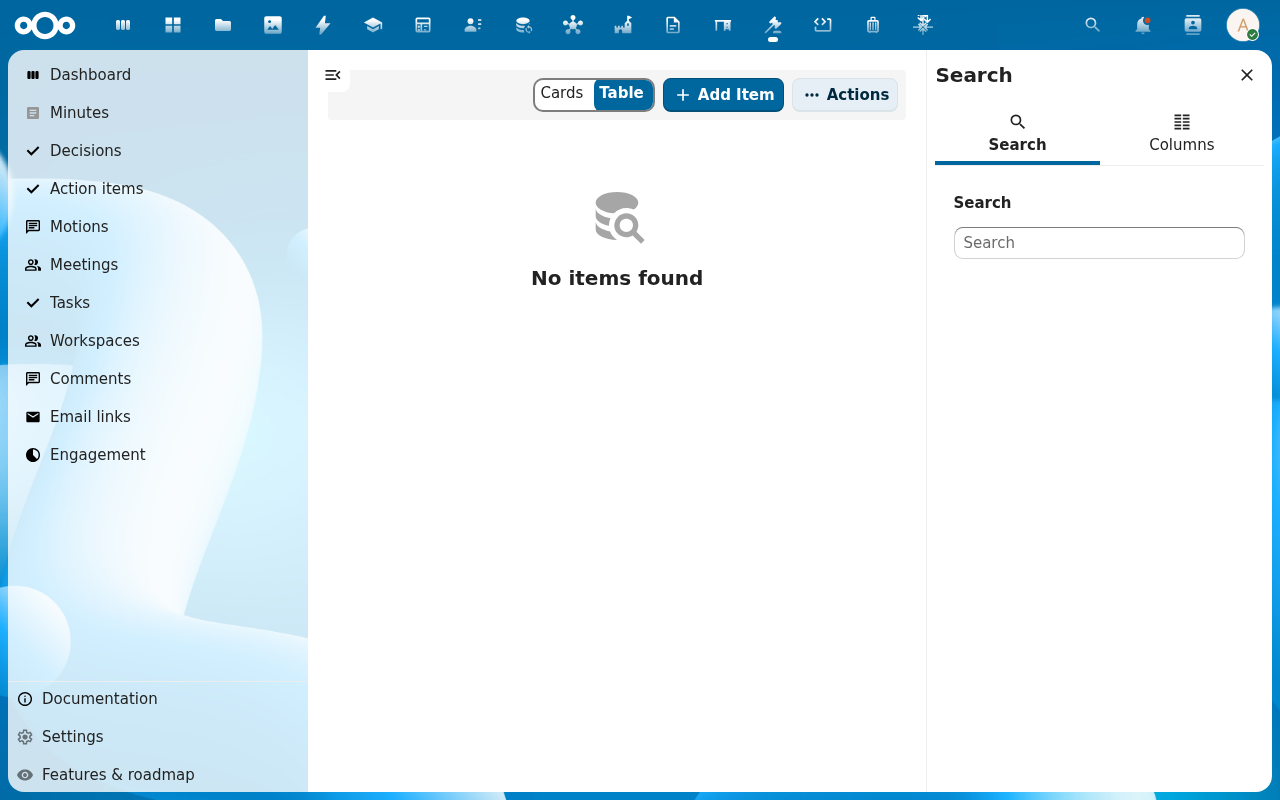
Open Meetings in the navigation and click Add Item. The Create Item dialog opens.
-
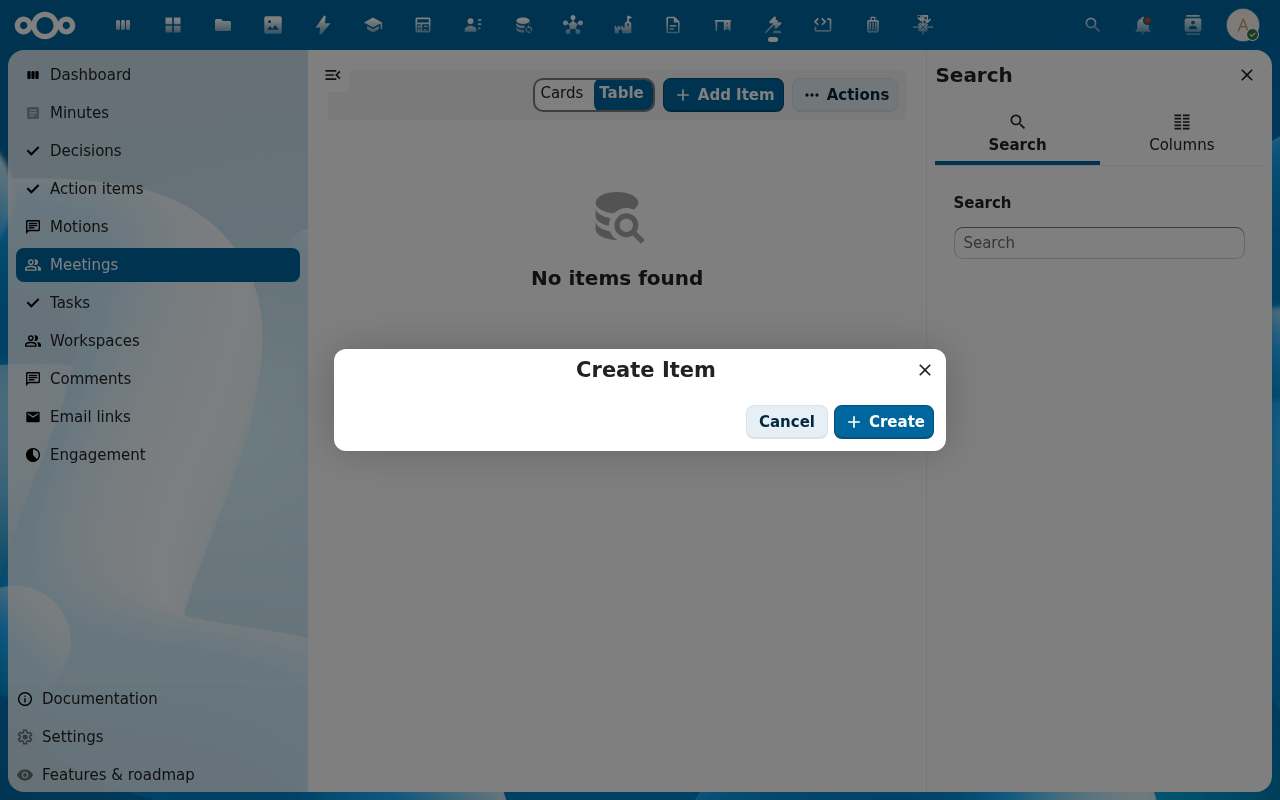
Fill in the meeting fields — title, meeting type (board, council, ALV/general assembly, …), scheduled date and time, end date, location, and meeting mode (in person, online, hybrid). Set quorum required if the body has a quorum rule. Click Create.
-
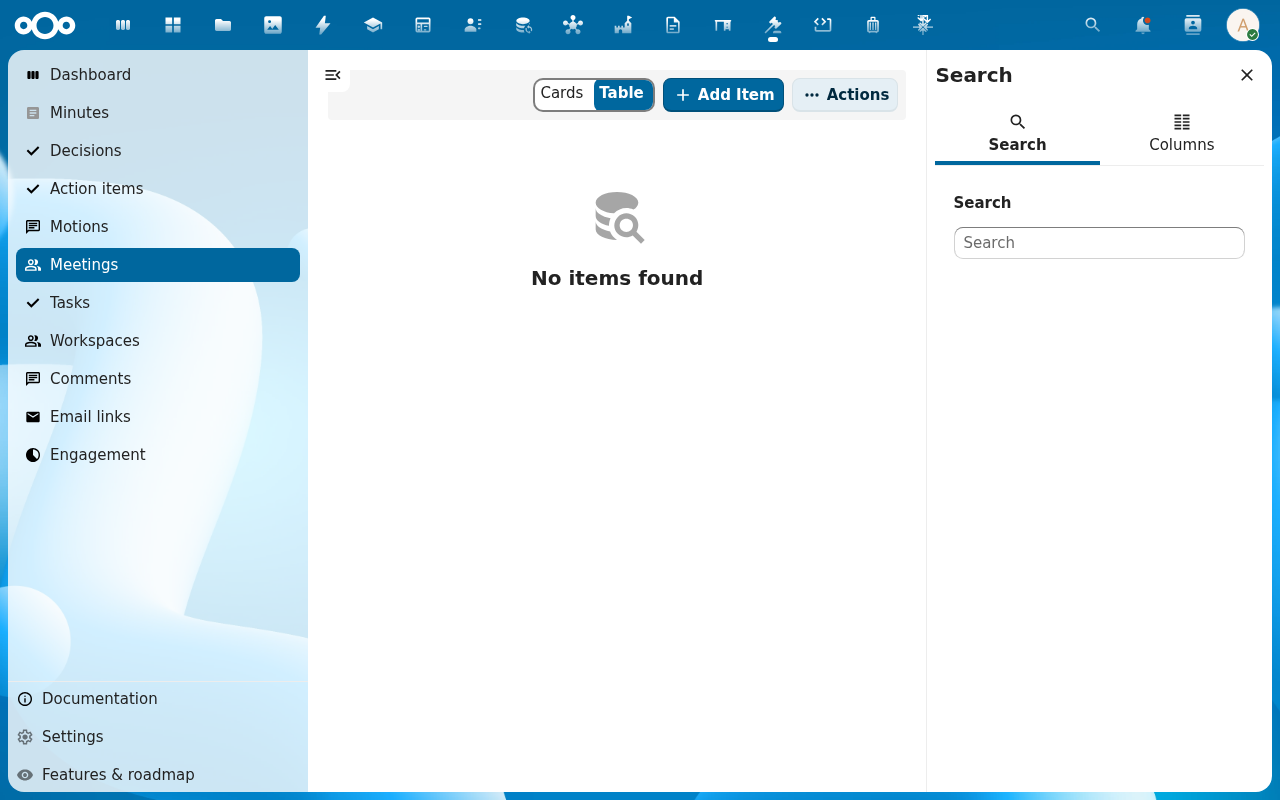
The meeting appears in the list. Open it to reach the meeting detail page; the sidebar carries an Overview, Agenda, Participants and Audit trail tab.
-
Switch to the Agenda tab. Add agenda items one by one — each gets an order number, a title, an item type (information, discussion, decision), and an optional estimated duration. Drag rows to reorder. Mark routine items as hamerstukken (consent agenda) so they can be adopted in one block during the meeting.
-
When the agenda is final, publish it. Participants now see the fixed agenda; later edits create a new revision rather than silently changing the published version.
Verification
The meeting shows in the Meetings list with its scheduled date and lifecycle set (e.g. planned), the Agenda tab lists the items in order, and the agenda's status reads published. The Audit trail tab records who created the meeting and published the agenda.
Common issues
| Symptom | Fix |
|---|---|
| Add Item opens an empty dialog | The meeting schema is not imported — ask an admin to re-run the register import (Settings → Registers → Re-import configuration). |
| Can't reorder agenda rows | Drag-reorder needs edit rights on the meeting; a read-only participant sees the list but can't move rows. |
| Published agenda still shows old items | A revision was created but not published — open the agenda and publish the latest revision. |
| Hamerstukken don't appear as a consent block in the live meeting | Each item must be flagged as a hamerstuk on the agenda before the meeting opens. |
Reference
- Add a motion to the agenda — attach a motion to one of these agenda items.
- Take and publish the minutes — what happens to the agenda after the meeting.
- Configure a governance workflow — who is allowed to schedule meetings for a body.