Manage Decidesk settings
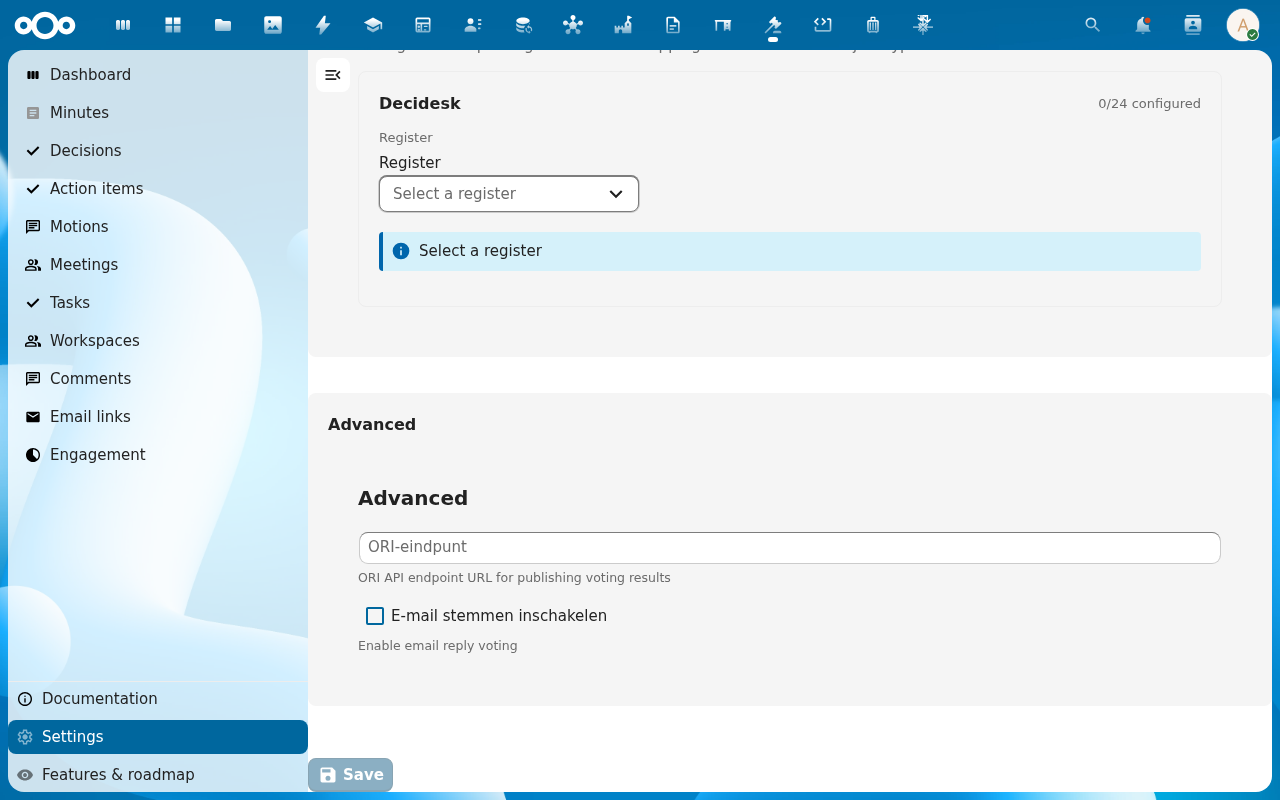
Decidesk's settings page does three jobs: it tells you the installed version, it maps the app's object types onto an OpenRegister register and schemas (this is the import that makes everything else work), and it holds the advanced options — the ORI endpoint for publishing voting results, and the email-reply voting toggle.
Goal
By the end you will have confirmed the Decidesk version, run (or re-run) the register import so all 24 object types are configured, and set the ORI endpoint and email-voting option to match your deployment.
Prerequisites
- Admin on the Nextcloud instance (or a Decidesk admin), since this changes how the whole app is wired.
- The OpenRegister app installed and enabled — the register import has nothing to import into otherwise.
- For ORI publication: the URL of your ORI (Open Raadsinformatie / decision-publication) endpoint.
Steps
-
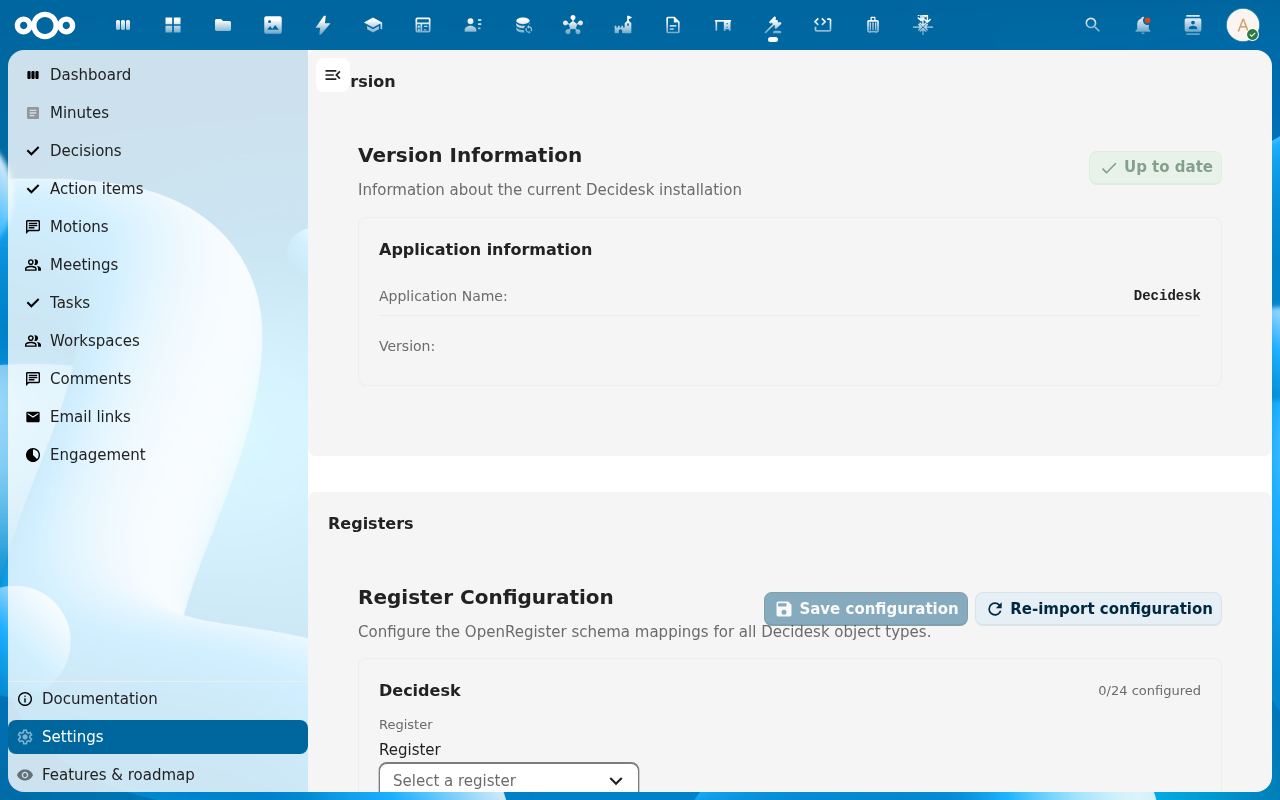
Open Settings from the Decidesk navigation. The page has three sections — Version, Registers, Advanced.
-
Version — confirms the installed Decidesk version and shows an "Up to date" indicator. Nothing to change here; it's the at-a-glance check that the app installed cleanly.
-
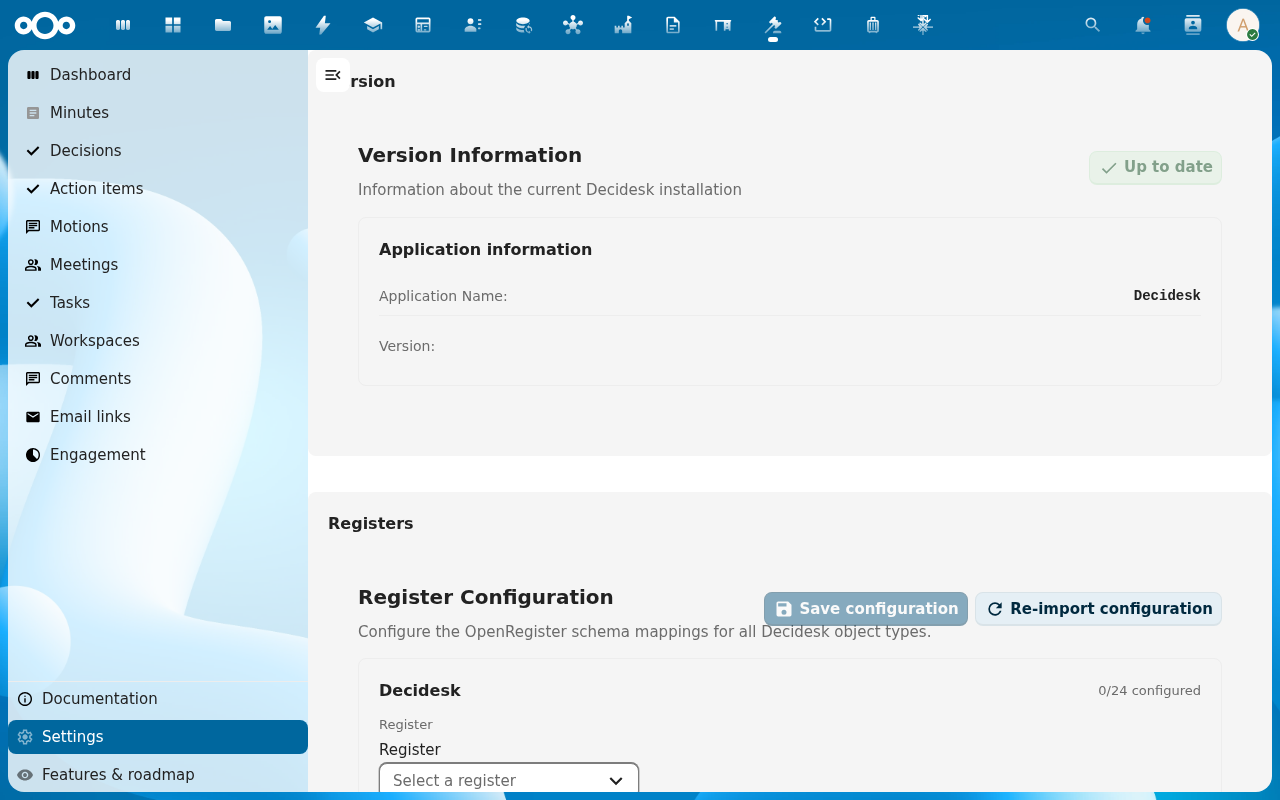
Registers — the Register Configuration widget shows how many of Decidesk's 24 object types are mapped (e.g. 0/24 configured on a broken or fresh install, 24/24 once imported). Pick the target register, then click Re-import configuration to (re)create the register, all schemas, and the mappings.
-
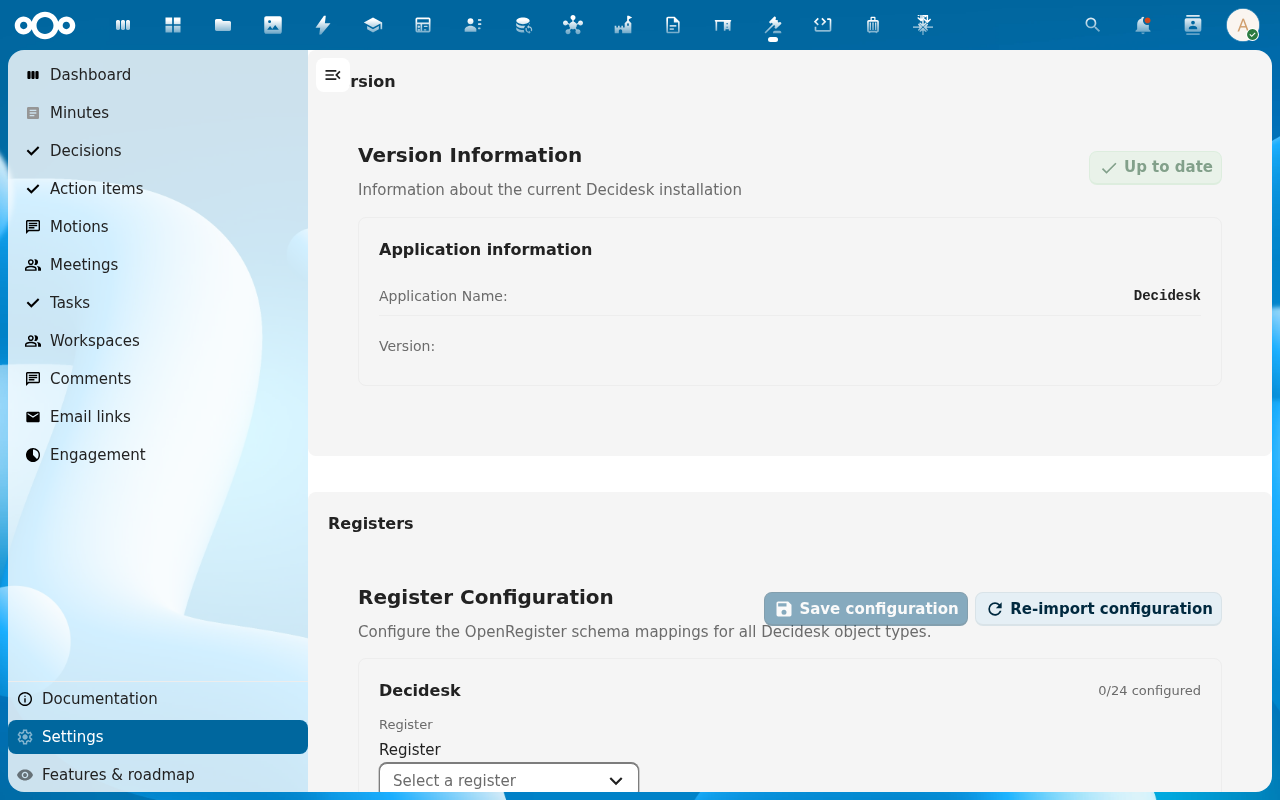
After the import, the count should read 24/24 configured and the Decidesk lists (Meetings, Motions, …) and their Add Item forms work. The same import also runs automatically on app install/upgrade — the button is for fixing a partial import.
-
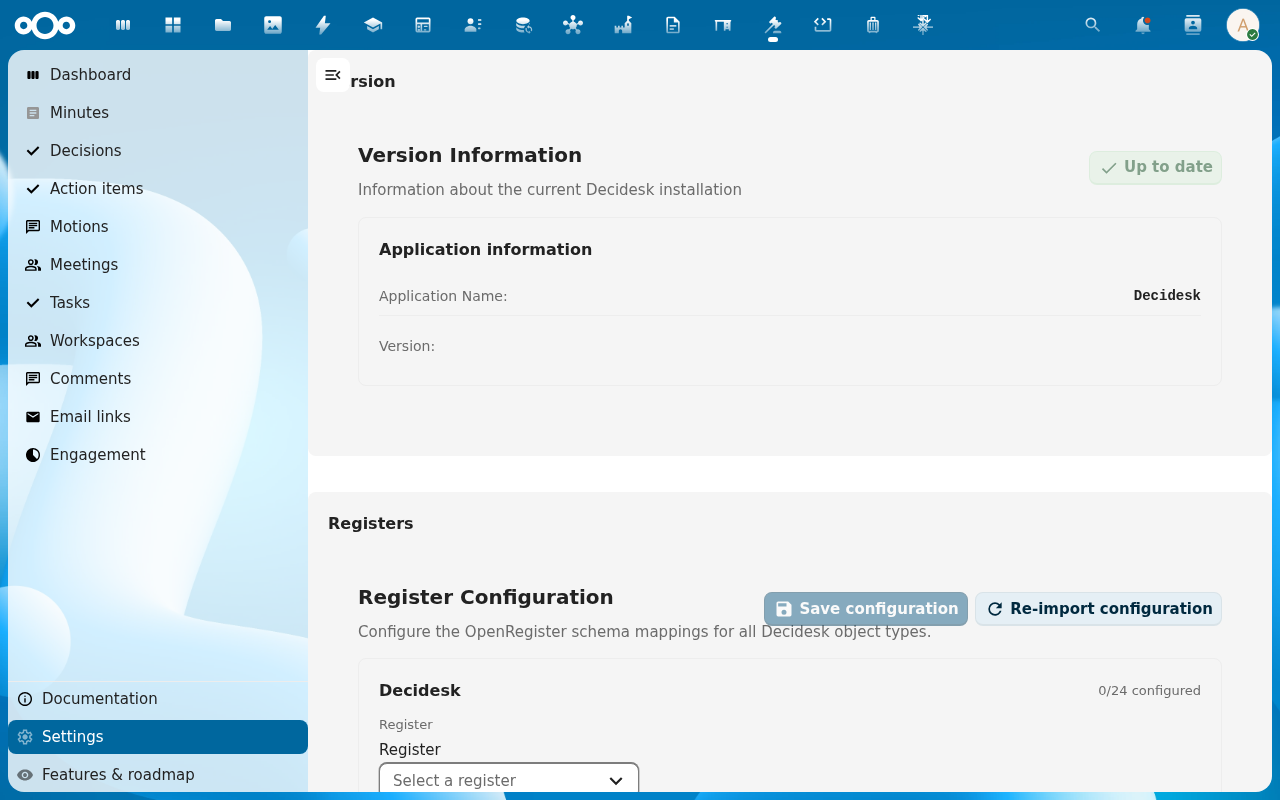
Advanced — set the ORI endpoint (the URL Decidesk pushes published voting results to) and toggle email voting on if you want absent members to be able to vote by replying to a ballot email. Save.
Verification
The Version section shows the installed version with "Up to date", the Registers widget reads 24/24 configured, a list view's Add Item opens a dialog with real form fields (not an empty modal), and the Advanced values you saved persist on reload.
Common issues
| Symptom | Fix |
|---|---|
| Register widget stuck at 0/24 configured even after clicking Re-import | The import is failing server-side — check the Nextcloud log for the Decidesk configuration error; a stale OpenRegister / Decidesk version pair can mismatch the import API. Re-run after both apps are on compatible versions. |
| Add Item dialogs are empty across the app | Same root cause — the schemas aren't mapped; fix the register import first, everything else follows. |
| ORI publication does nothing | The ORI endpoint field is empty or wrong — publishing a voting result only pushes to ORI when a valid endpoint is set. |
| Email votes never count | Email voting must be enabled here and the member must reply from their registered address within the voting round's window. |
| Settings page itself shows an OpenRegister error | OpenRegister isn't installed/enabled — install it, then reload Decidesk. |
Reference
- Open Decidesk for the first time — the user-facing check that the import worked.
- Configure a governance workflow — the first thing to set up once the register is imported.
- Run a vote — where the ORI endpoint and email-voting settings are used.